Focus Mode

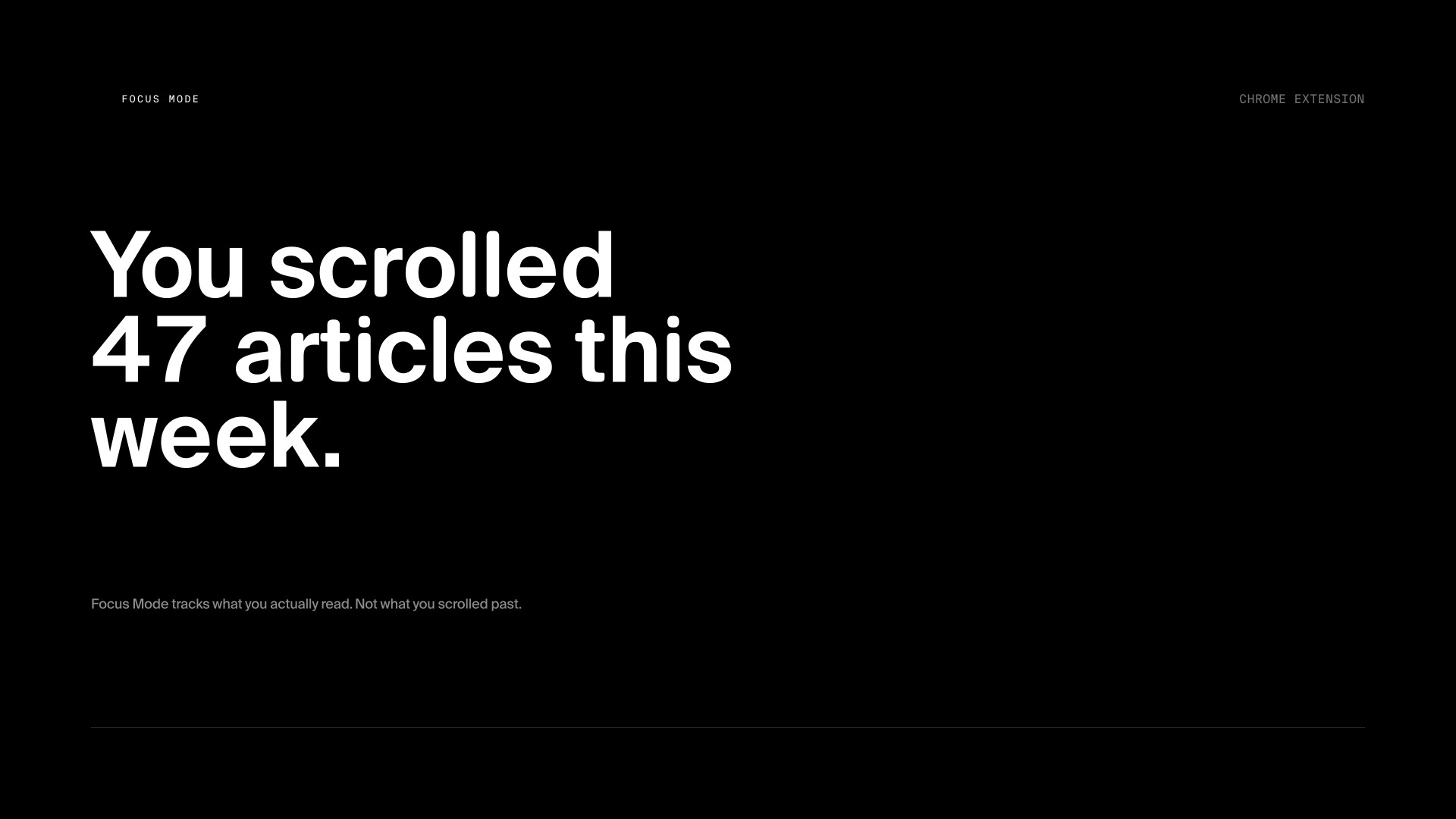
I read a lot online. Articles, essays, long threads. But I kept finishing something and having no idea how much of it actually stuck. Did I read it or just scroll it? I genuinely couldn't tell.
The web is built for engagement, not reading. Everything around an article is designed to pull your attention somewhere else. I wanted a mode that stripped all of that out and let me just read, and then actually told me what I did.
why it exists
What I actually wanted was simple, read something, actually hold onto it. There was no feedback loop for that though. You finish an article, close the tab, it's gone. No record, no sense you were even present for it.
Focus Mode was my attempt at closing that loop. One shortcut to enter a clean reading view. Scroll tracking per paragraph so it knows what you actually read vs. what you skipped. A history so you can see your reading over time. Small stuff, but it's the difference between feeling like you read something and having proof you did.
what it does
- Clean reading overlay: strips nav, sidebars, ads, and everything that isn't the article
- Real reading time: not a word-count estimate, actual time spent reading
- Paragraph-level scroll tracking: knows what you read vs. skimmed
- Per-session history: every article you opened, with how much you read
- Reading stats in the popup: total reads, average % completed, minutes this week
- Save for Later: bookmark articles with one click, revisit from the dashboard
- Dashboard: full reading history with search, sort, and filter by read/saved/all
- Everything local: no accounts, no cloud, no network requests
- Alt+Shift+F to toggle focus view from anywhere
the reading view
The overlay is full-screen and immediate. It pulls the article content, re-renders it with a reading-optimized font and line length, and hides everything else. Fraunces for the body, a variable optical-size serif that holds up at any size and actually feels like reading, not browsing.
Light and dark modes, both adaptive. A floating pill shows your scroll progress and reading time as you go. Exit at any time and it snaps back to the original page with no side effects.
the decisions
Tracking had to be paragraph-level, not just scroll position. Scroll position is meaningless: you can scroll a whole page in two seconds. Paragraph tracking registers a section as read only if you actually spent time on it. That distinction is what makes the stats mean something.
The dashboard was a late addition. I started with just the popup stats, but I kept wanting to go back and find something I'd read last week. Once the history was there, the ability to search it became obvious. Local SQLite-style storage via chrome.storage keeps it fast and entirely offline.
what i’d take from it
Building it forced me to think about what "reading" actually means. Actually spending time with a paragraph, not just finishing the article or scrolling to the bottom. That's a harder thing to measure than it sounds, and getting the heuristic right took a few iterations.
It also made me a better reader. Having stats doesn't make you read more, but it does make you honest about when you're not. That was the whole point.
The bar I held it to was whether my own weekly stats ever surprised me. They did, more than once, articles I was sure I'd read closely turned out to be mostly scroll. That gap between what I thought I'd read and what I actually had is exactly what the tool was built to catch.
if you're into reading, here's what I'm reading: books, not articles.